PRESS KIT
Tuhikimi press kit
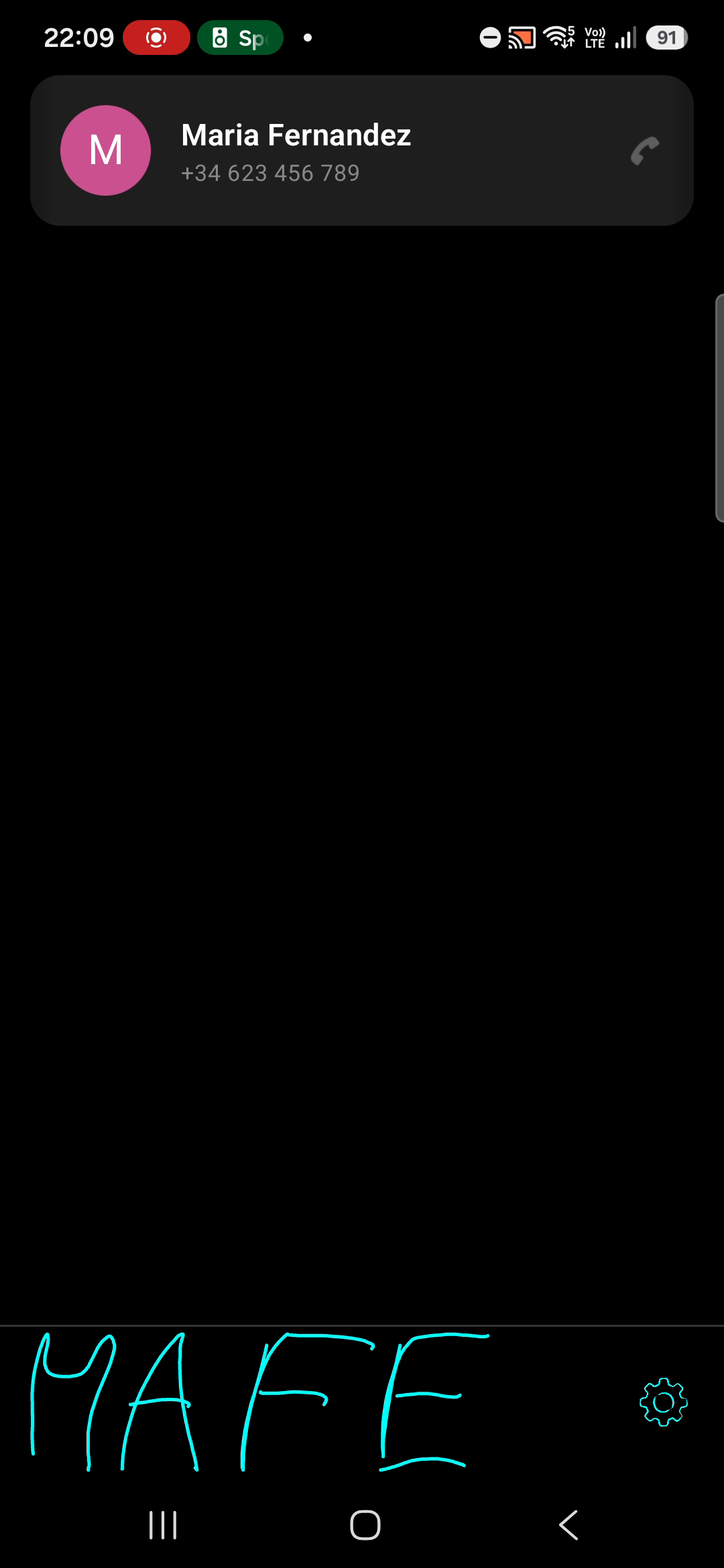
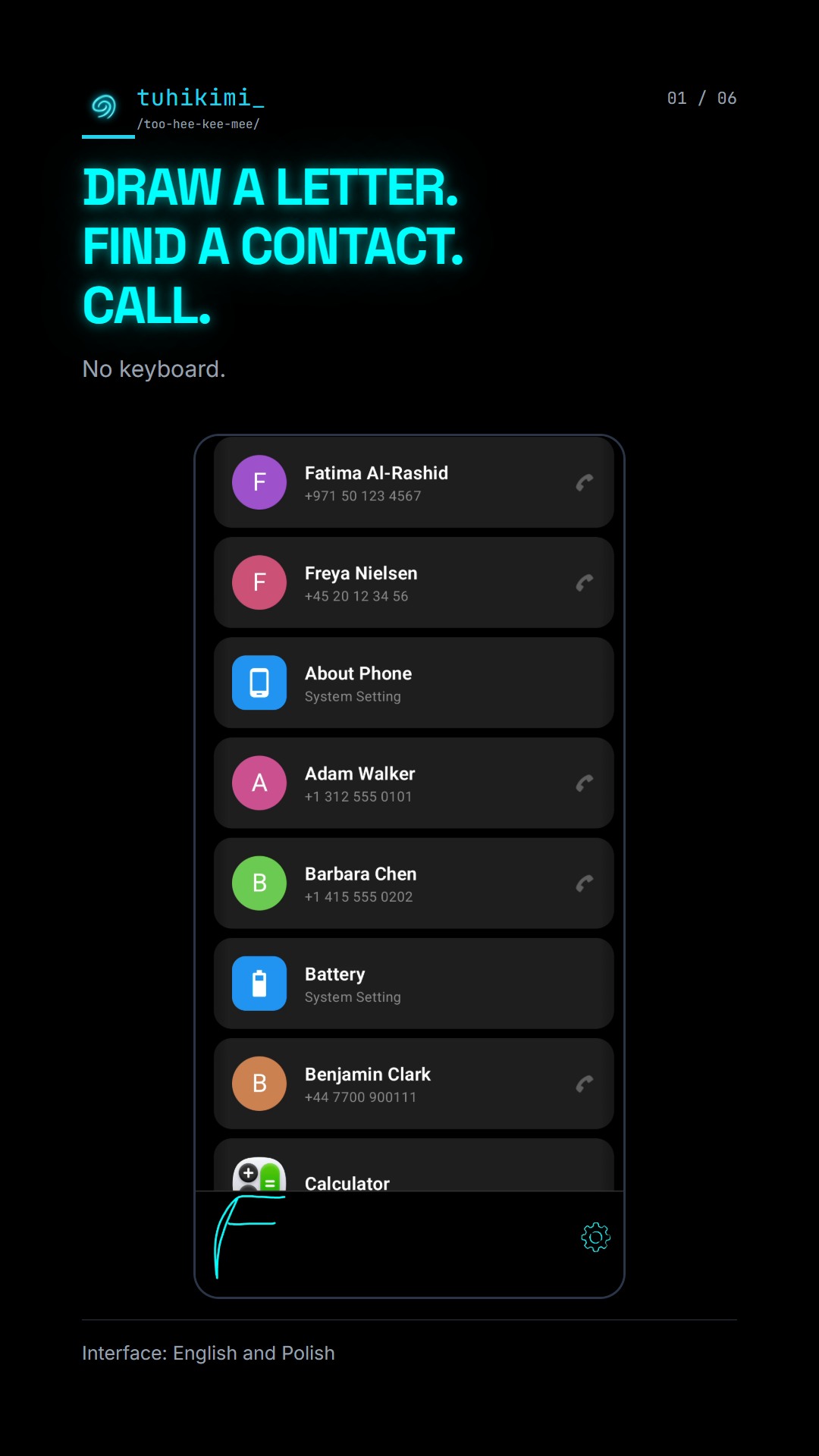
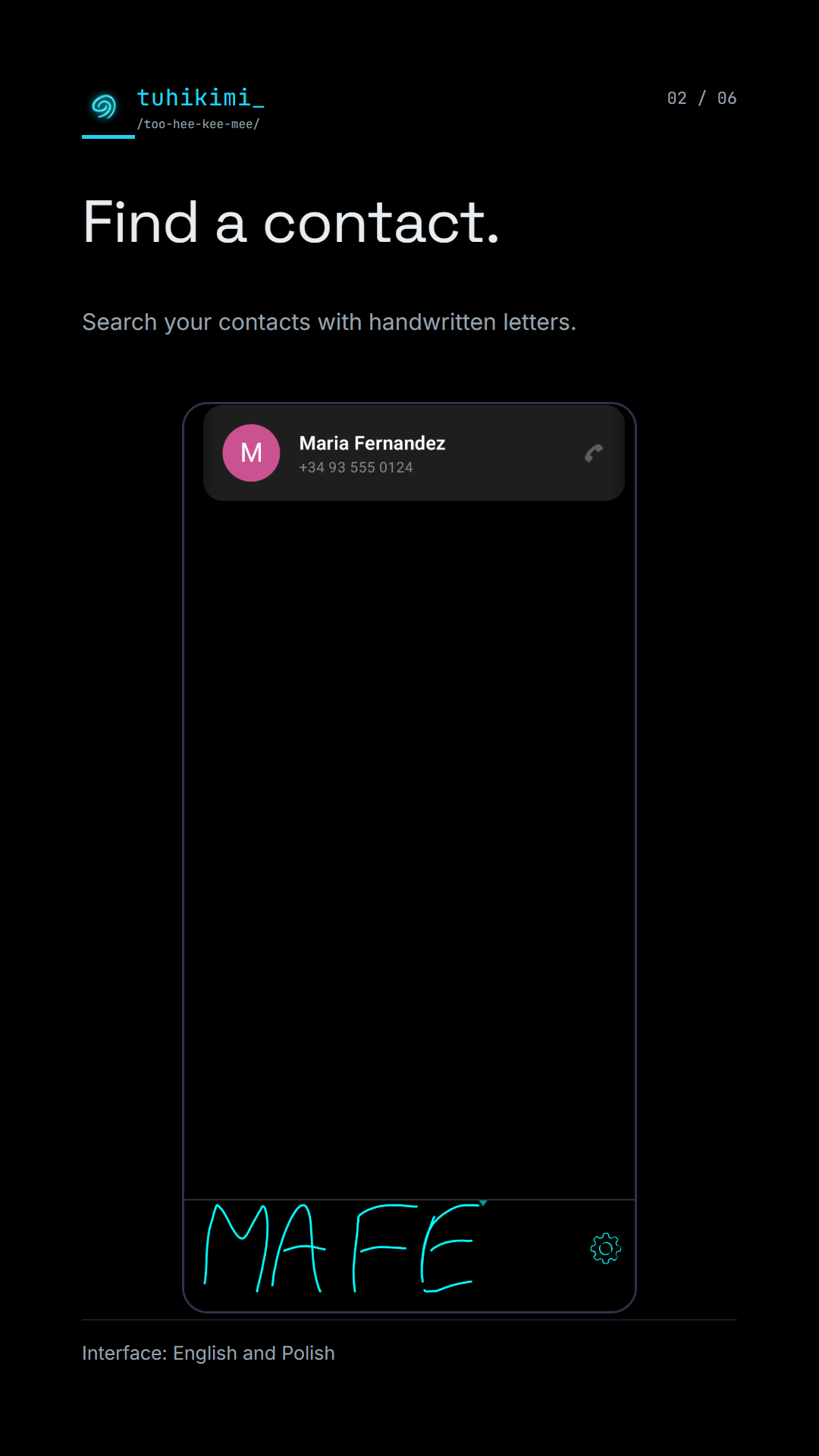
Search by drawing letters – no keyboard.
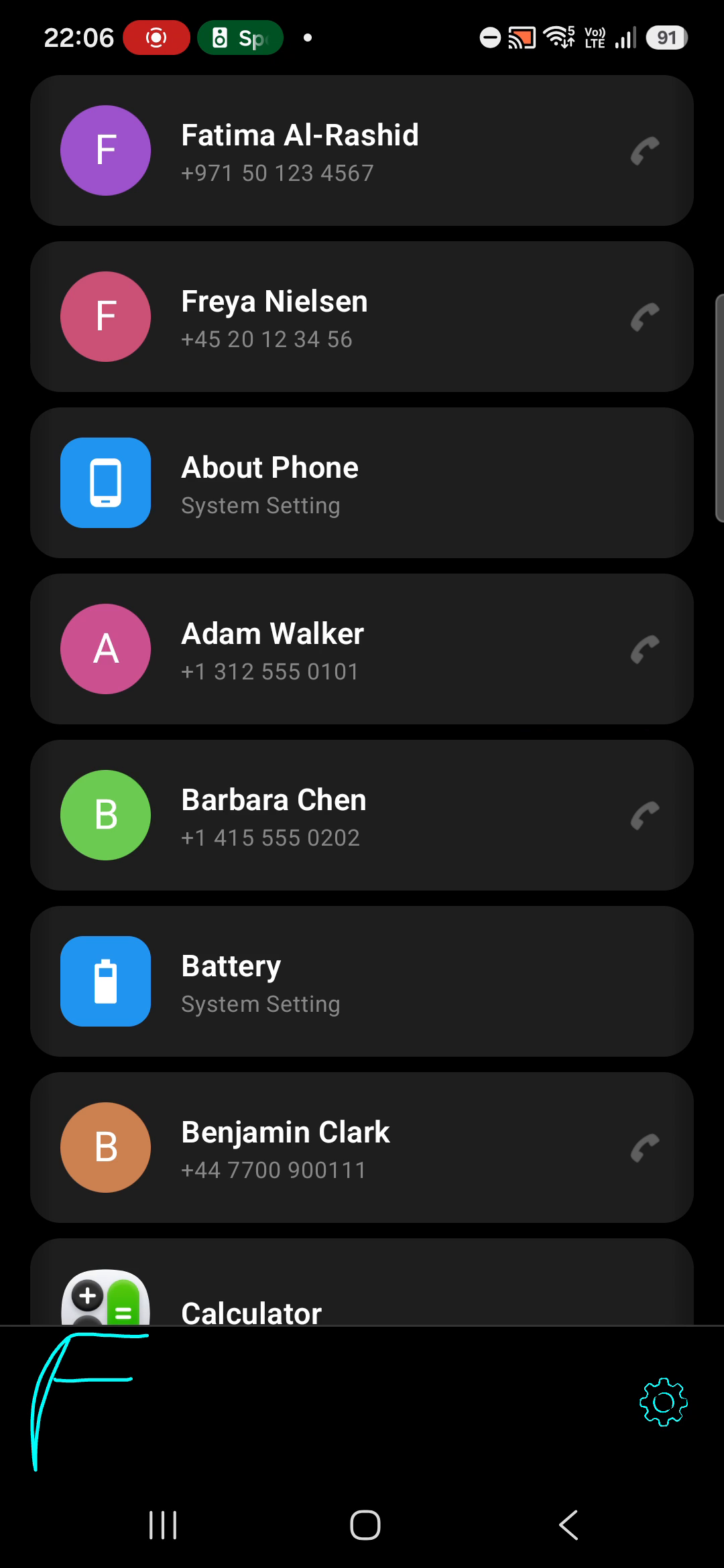
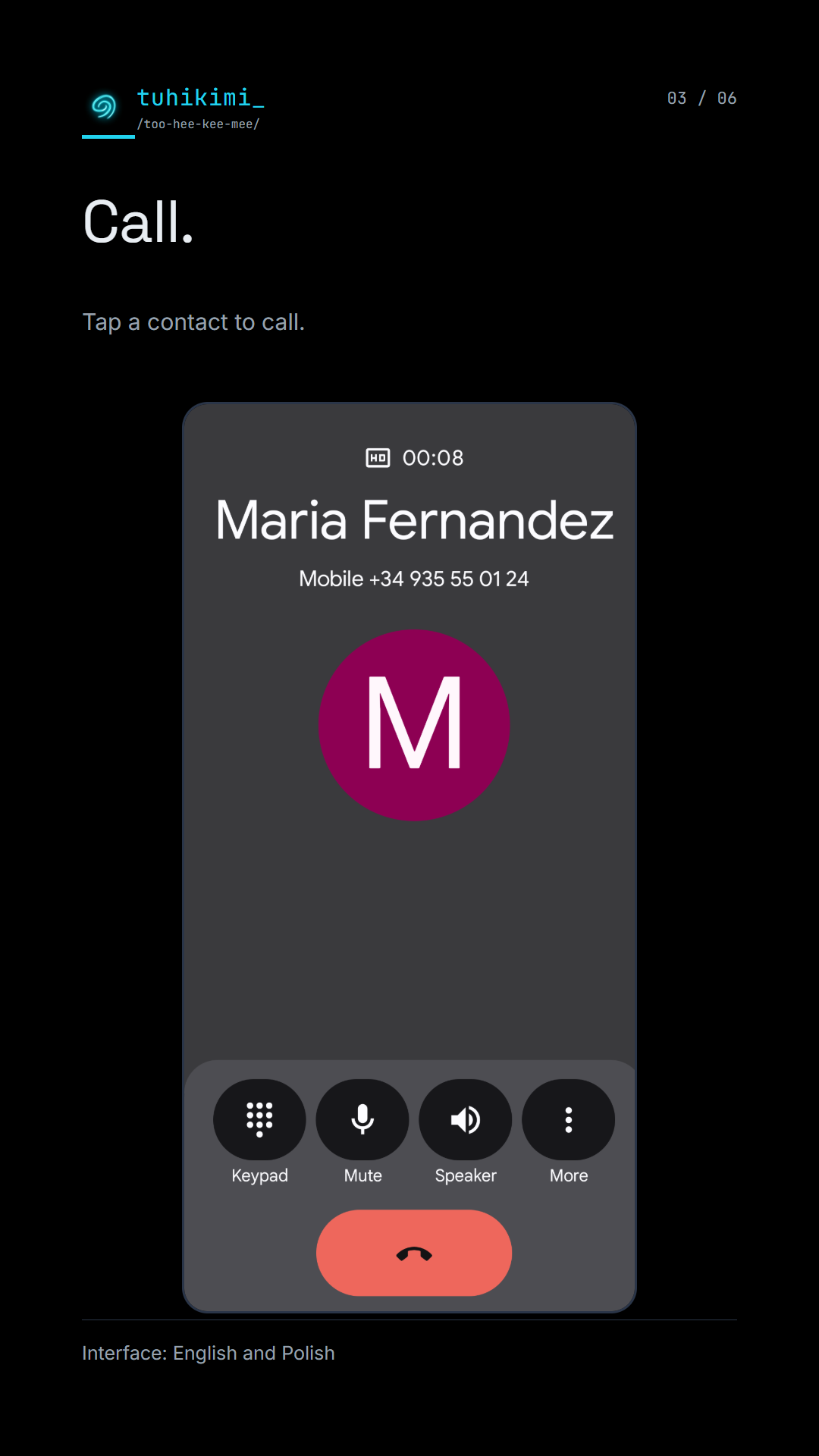
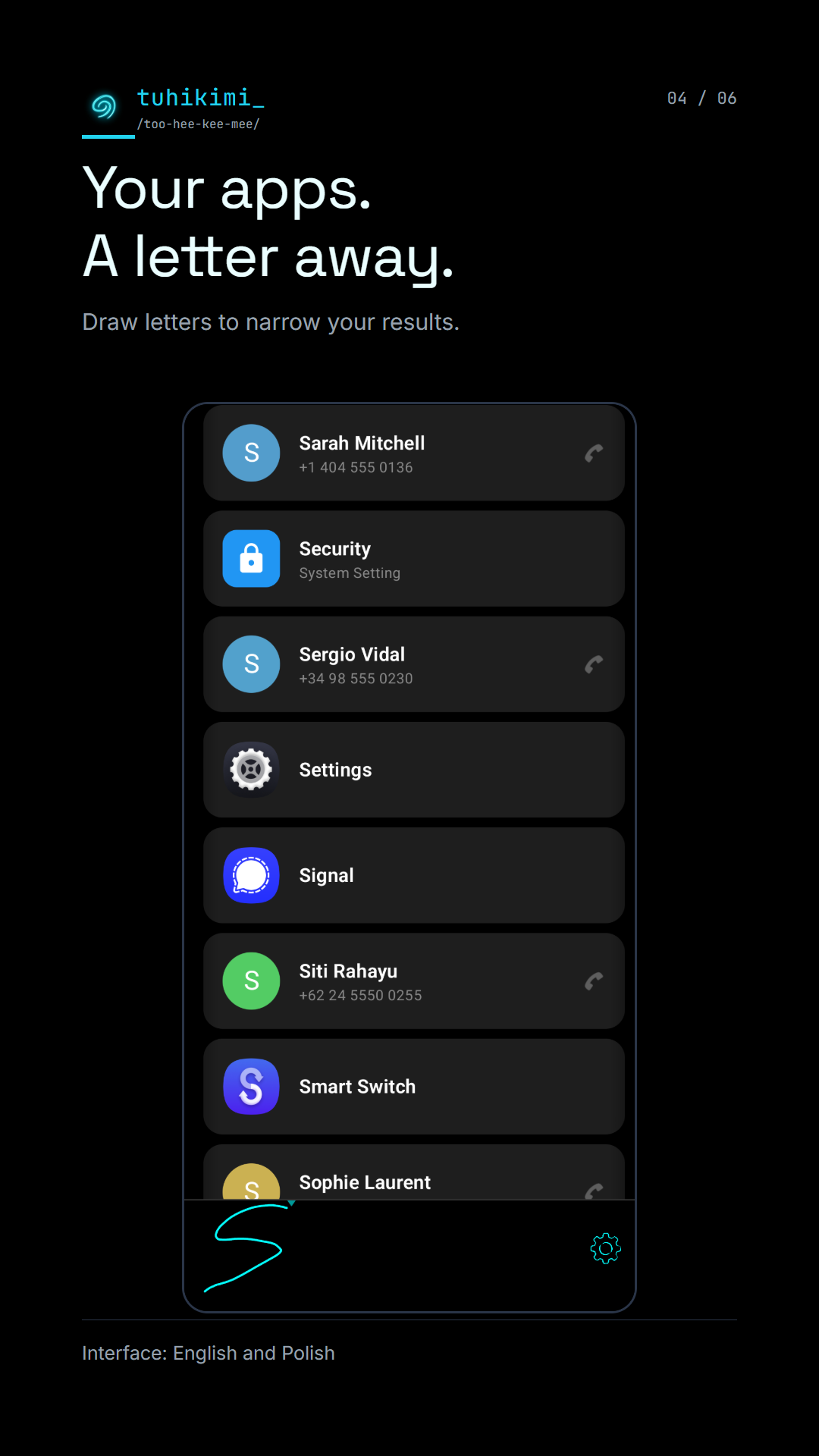
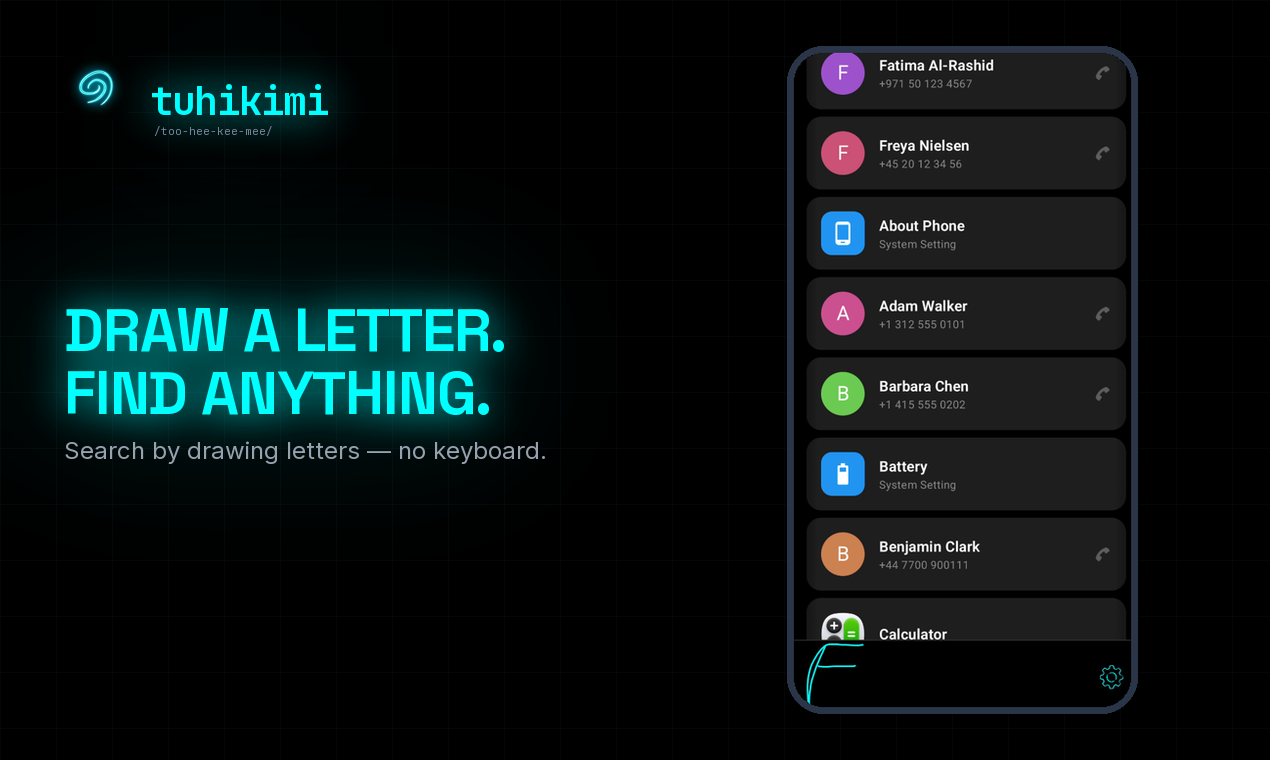
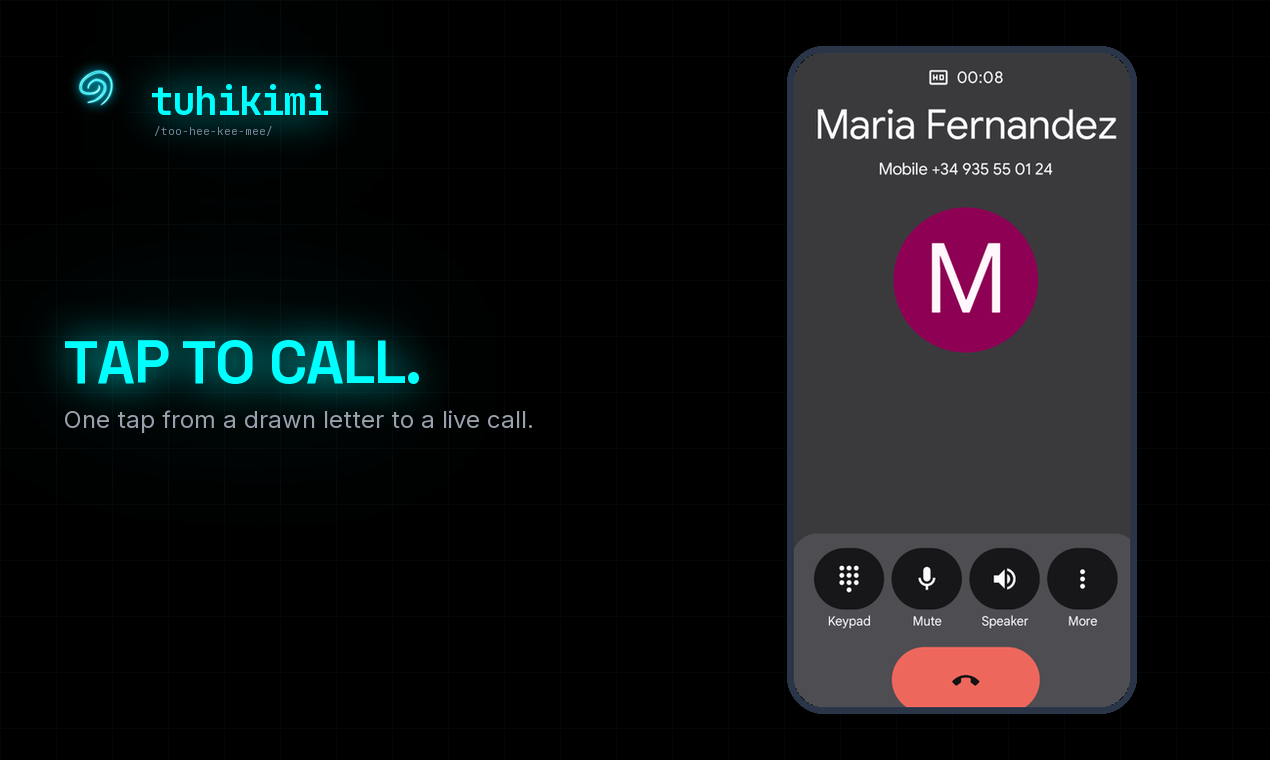
Tuhikimi finds the person you are looking for on your Android phone. Draw a letter or two from anywhere in their name, and one tap places the call. It also finds installed apps and system-settings shortcuts.
Handwriting recognition runs on the device through Google ML Kit, in more than 100 languages and scripts. Your contacts and your handwriting stay on the phone, and there are no ads.
Results learn from your own taps, so the people you call most move to the top.
Searching is free. The first 20 calls or app launches are free too.
Tuhikimi is made by Smarter Lab in Warsaw.
TL;DR
Search by drawing letters – no keyboard.
- Platform
- Android, Google Play
- Business model
- Free to search. Paid unlock after the first 20 actions.
- Status
- Available on Google Play since 1 October 2026.
- Press contact
- info@tuhikimi.app
Story angles
A one-person studio in Warsaw
- Built solo by Arek Janik, a Warsaw-based technologist.
- Smarter Lab is a one-person software studio; Tuhikimi is its first app.
- No investors, no team – every screen is one person’s decision.
Inspired by Google’s Gesture Search
- Google pulled Gesture Search from the Play Store in 2017 and stopped updating it.
- Existing installs kept working; the app was simply never updated again.
- Tuhikimi is an independent app from Smarter Lab, not affiliated with or endorsed by Google.
Handwriting search in 100+ languages and scripts
- Recognition runs through Google ML Kit, chosen in Settings.
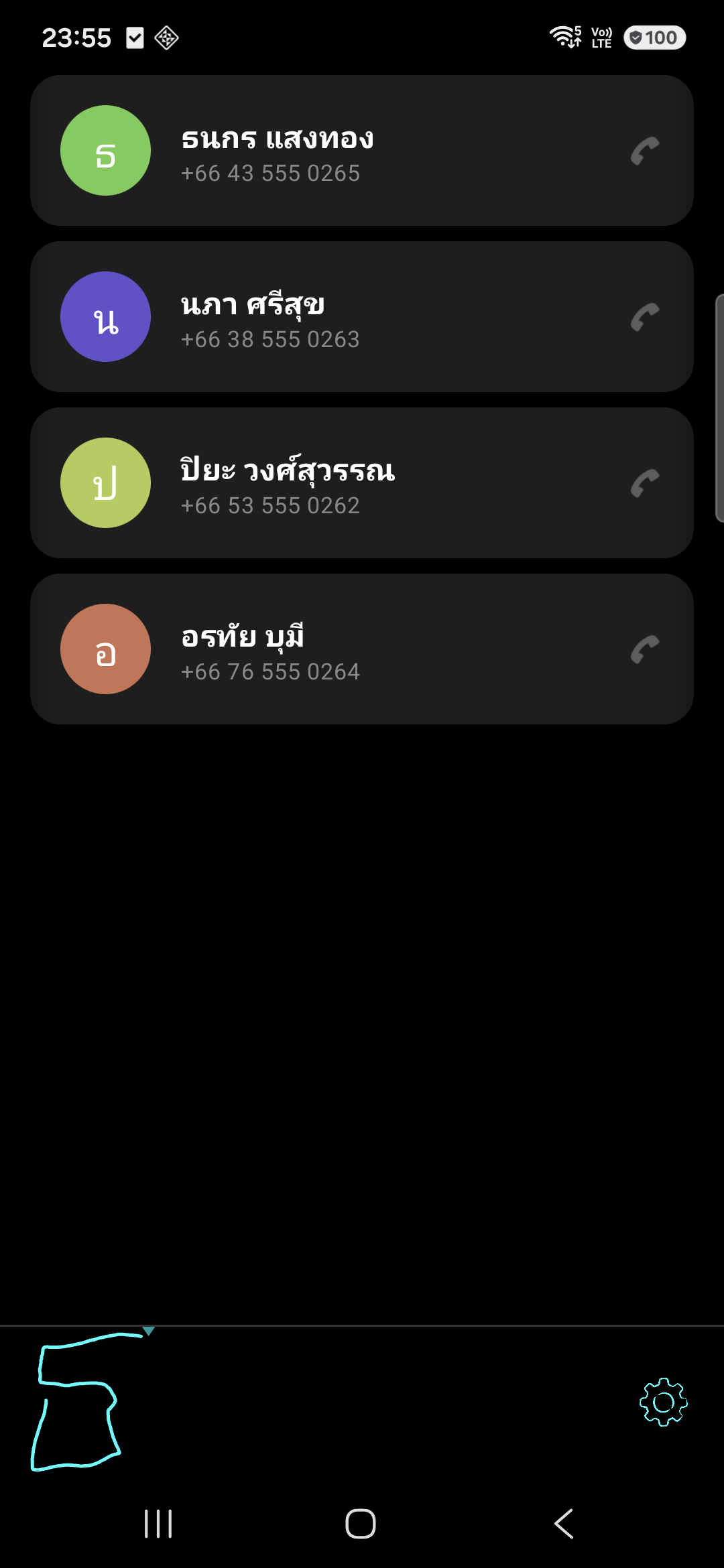
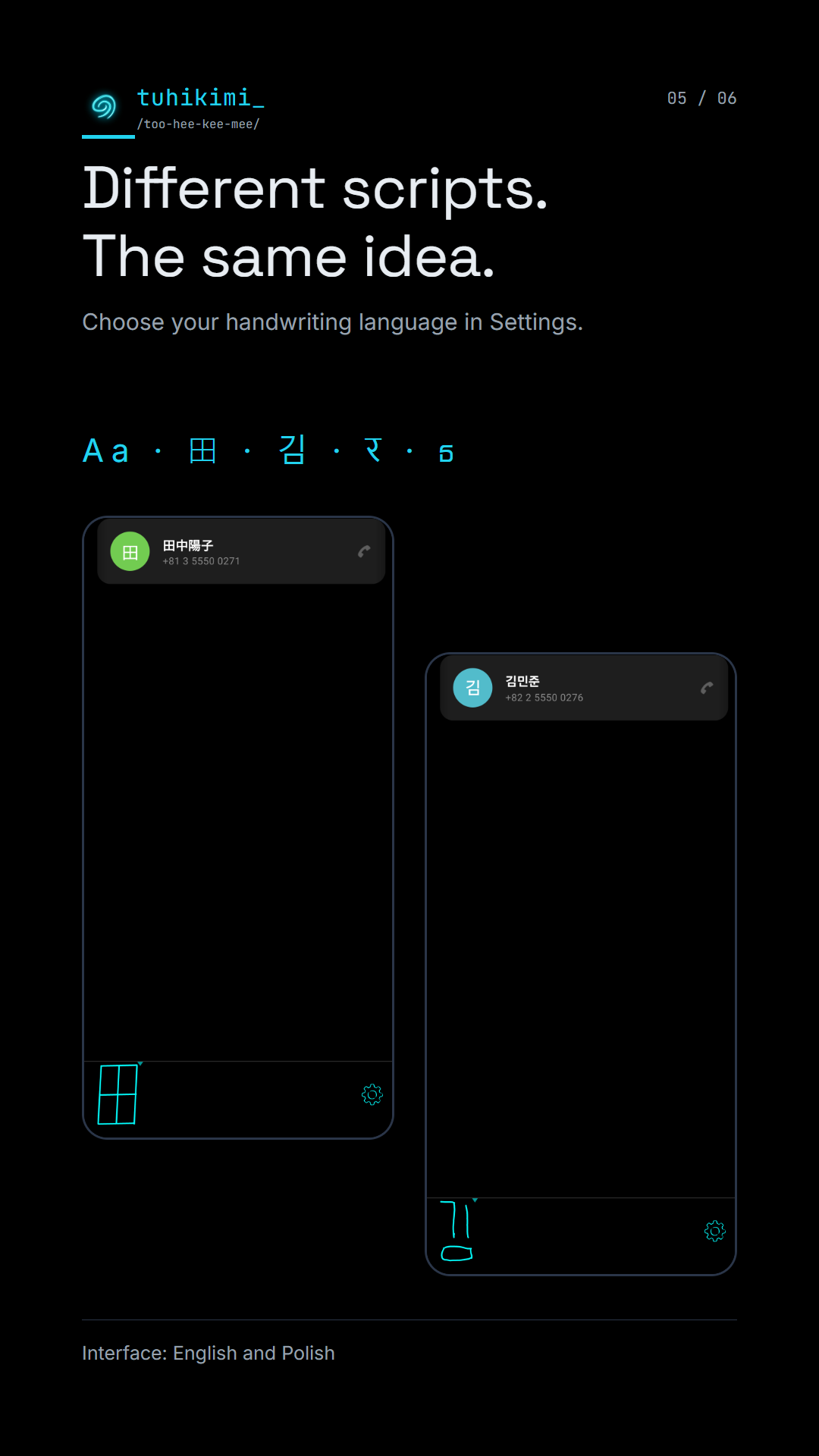
- Covers 100+ languages and scripts, including Japanese, Thai and Devanagari.
- Right-to-left scripts are not offered.
Contacts and handwriting stay on the phone
- Handwriting recognition and search run on the device.
- No analytics or ads SDKs in the app.
- Google services use the internet for model downloads, purchases and ML Kit diagnostics.
Fact sheet
- App
- Tuhikimi
- Play title
- Tuhikimi: Gesture Search
- Pronunciation
- too-hee-kee-mee
- Name
- Te Reo Māori: tuhi means to draw or write, kimi means to seek.
- Platform
- Android 10 or later. Android only.
- Availability
- Google Play, since 1 October 2026.
- Website
- https://tuhikimi.app
- Interface languages
- English, Polish
- Handwriting languages
- 100+ languages and scripts via Google ML Kit, chosen in Settings. Right-to-left scripts are not offered.
- Ads
- None
- Privacy
- Handwriting recognition and search run on the device. Contacts and handwriting stay on the phone. No analytics or ads SDKs. Google services use the internet for model downloads, purchases and ML Kit diagnostics.
- Offline
- Search works offline once a language model is downloaded (about 20 MB).
- Permissions
- Contacts, Phone, Internet
- Accessibility
- Built for handwriting input. Not compatible with screen readers (TalkBack).
- Developer
- Smarter Lab, Warsaw, Poland – a one-person studio
- Founder
- Arek Janik
- Press contact
- info@tuhikimi.app
- Affiliation
- Independent. Not affiliated with or endorsed by Google.
- Pricing
- Searching is free and unlimited. The first 20 actions (a call or an app launch) are free. Then a yearly subscription or a one-time lifetime purchase. Current pricing.
Trailer
Self-hosted MP4, 16:9, 20.7 s, silent (captions carry the beats). Ends with a QR code to the Google Play listing.
Screenshots
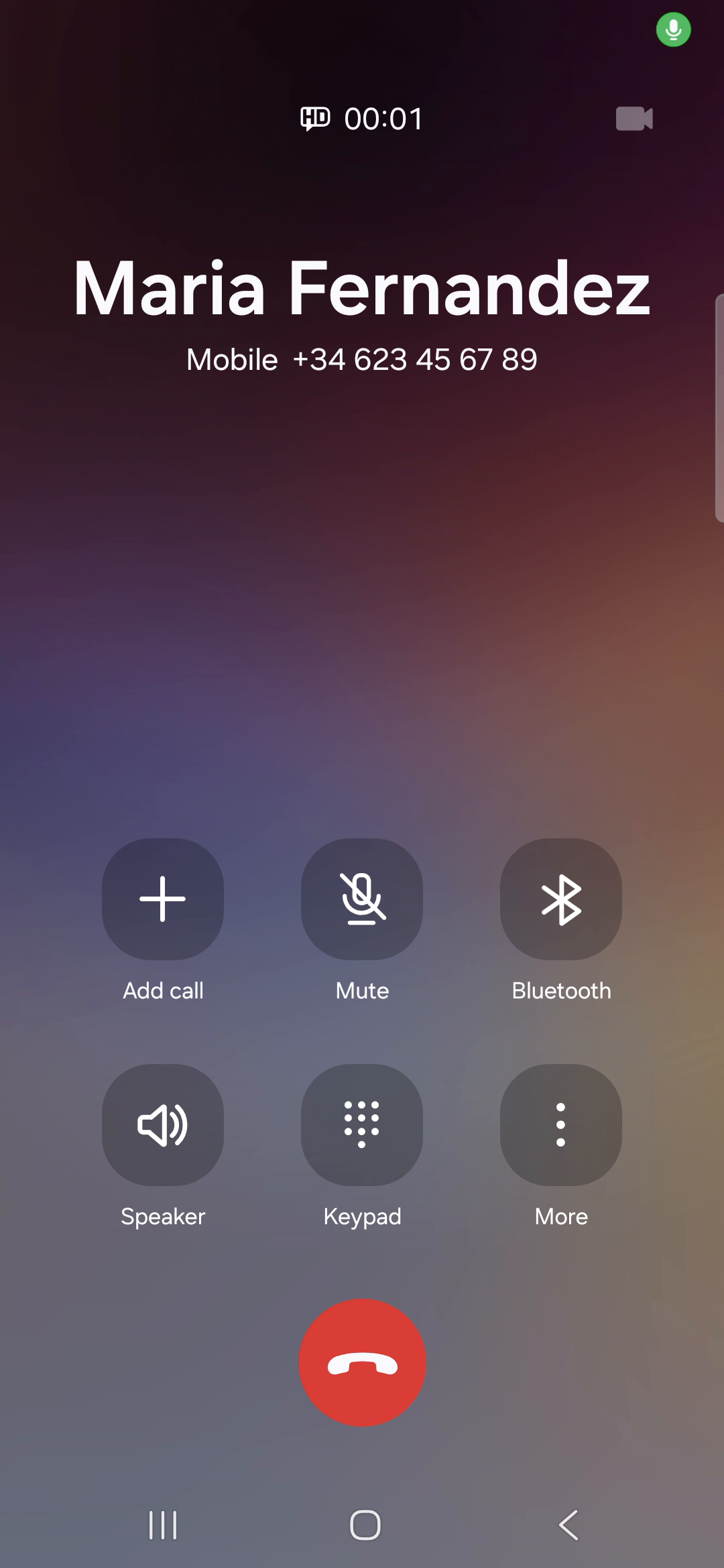
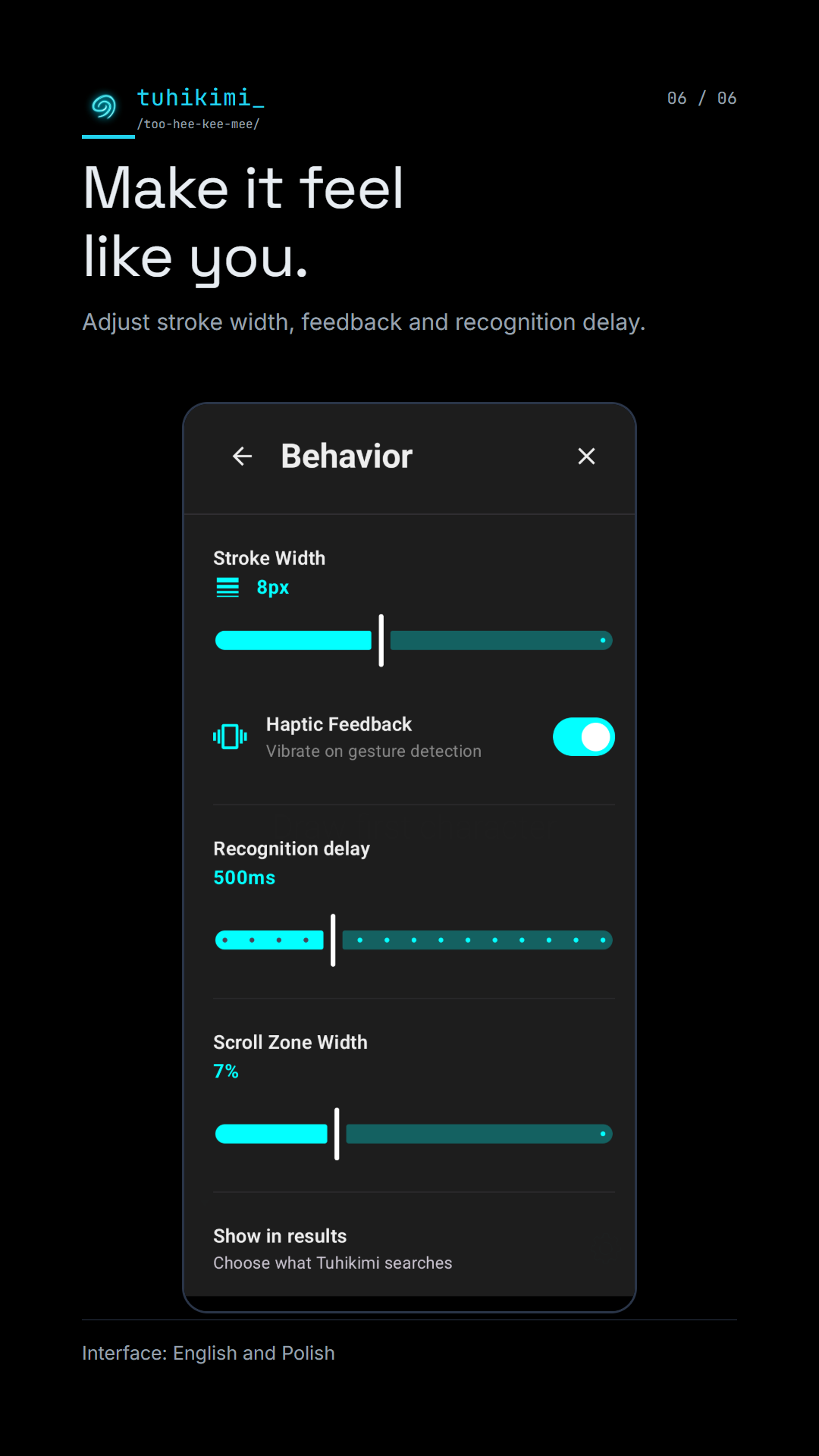
Unedited device captures, 1080×2340. All contacts shown are fictional.
Google Play images
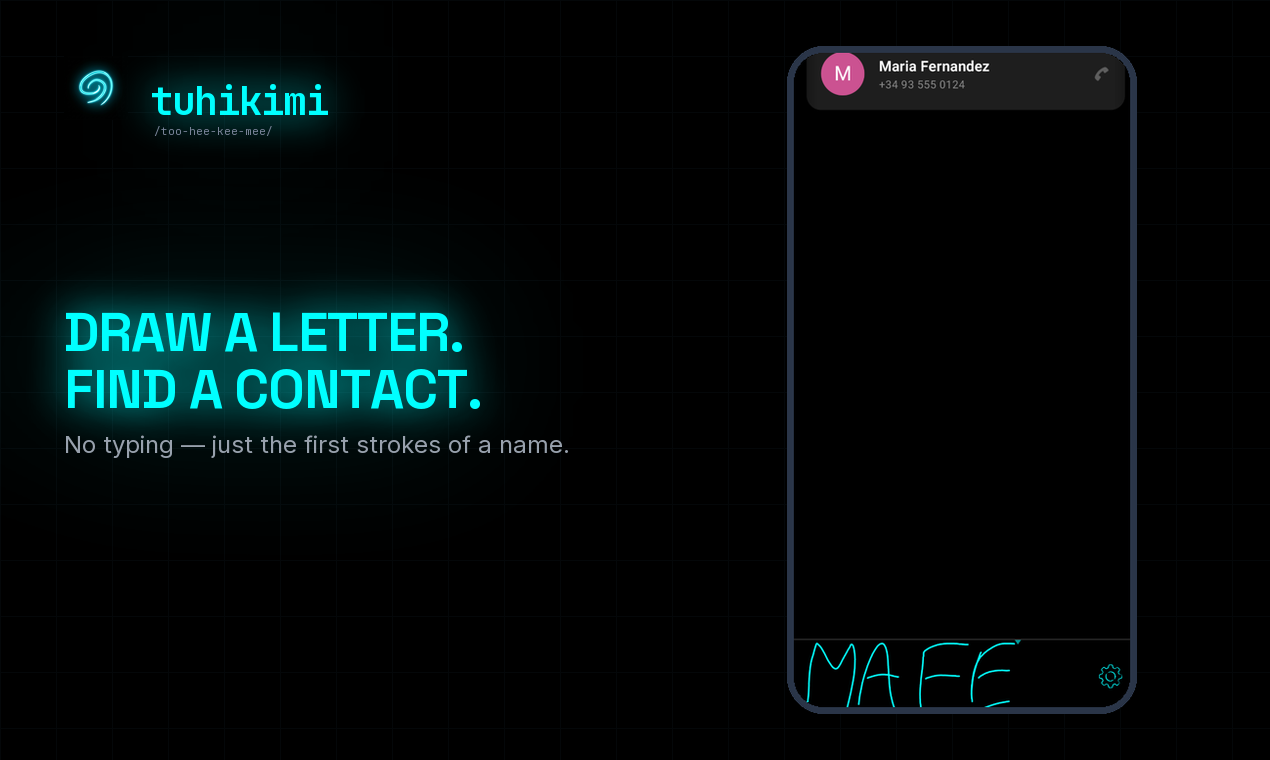
The captioned images from the Google Play listing, English, 1080×1920.
Gallery
Additional press images.
Logo
Don't recolour, stretch, outline or add shadows to the logo. Don't put the cyan mark on a light background – use the "on light" file.
- Mark – cyan (SVG)
- Mark – cyan (PNG, 2048px)
- Mark – on light background (PNG, 2048px)
- Mark – current colour (SVG)
- Lockup – dark background
- Lockup – light background
- Lockup – transparent






Brand colours
Ink cyan
UI cyan
Web ground
Social / device black
Boilerplate
25 words
Tuhikimi is an Android app that finds a contact when you draw a letter on the screen. One more tap places the call. No keyboard needed.
100 words
Tuhikimi finds the person you are looking for on your Android phone. Draw a letter or two from anywhere in their name, and one tap places the call. It also finds installed apps and system-settings shortcuts. Handwriting recognition runs on the device through Google ML Kit, in more than 100 languages and scripts. Your contacts and your handwriting stay on the phone, and there are no ads. Results learn from your own taps, so the people you call most move to the top. Searching is free. The first 20 calls or app launches are free too. Tuhikimi is made by Smarter Lab in Warsaw.
Founder




Years ago I used Gesture Search every day.
Draw a letter, find the person, call.
At some point Google stopped updating it and it wouldn't work on newer phones.
I moved on. I never stopped missing it.
Tried multiple alternatives but none of them did the job.
So I built something inspired by it: Tuhikimi.
Draw a letter. Find the contact. Tap to call.
Arek Janik is a Warsaw-based technologist and the founder of Smarter Lab, a one-person software studio. Tuhikimi is the studio's first app.
Gesture Search is a Google app that inspired this idea; Tuhikimi is an independent app from Smarter Lab and is not affiliated with or endorsed by Google.
Quotes
- “I built it for myself. Then I figured other people might want it too.”
- “One letter or two. One tap. It's already calling.”
Try it in 2 minutes
- 01 Install Tuhikimi from Google Play.
- 02 Draw a letter or two from a contact’s name.
- 03 Tap the result that matches.
- 04 Call, or open the app or setting it found.
Press contact
Arek Janik · info@tuhikimi.app · https://tuhikimi.app
Press FAQ
-
01 Is Tuhikimi the old Gesture Search? + −
No. Google's Gesture Search inspired the idea of finding contacts by drawing letters. Tuhikimi is an independent app from Smarter Lab, built from scratch, and is not affiliated with or endorsed by Google.
-
02 How is it different from other handwriting launchers? + −
Tuhikimi is contacts-first: drawing a letter leads to a call in one tap. Matching is "contains", so letters from anywhere in a name count. Ranking is learned on the phone from your own taps. It is not a launcher and does not replace your home screen.
-
03 What stays on the phone, and what uses the internet? + −
Handwriting recognition and search run on the device – contacts and handwriting stay on the phone, and the app has no analytics or ads SDK. The internet is used by Google services: downloading and updating language models, handling purchases, and ML Kit diagnostics. Crash reports are sent by email only if the user chooses to.
-
04 Does it work offline? + −
Search works offline once a language model is downloaded. Model downloads, updates and purchases need the internet.
-
05 Why does it need Contacts and Phone permissions? + −
Contacts, to search them on the device. Phone, so a result you tap dials straight away. Tuhikimi never places a call on its own – only when you tap a contact.
-
06 What does it cost? + −
Searching is free and unlimited. The first 20 actions – a call or an app launch – are free, with no card and no timer. After that, a yearly subscription or a one-time lifetime purchase. See current pricing on the homepage.
-
07 Which languages does it recognise? + −
More than 100 handwriting languages and scripts via Google ML Kit, chosen in Settings. Right-to-left scripts are not offered. The interface is in English and Polish.
-
08 Is it accessible? + −
It can help people who find small keyboards hard to use, since a large drawn letter replaces precise typing. It is built around handwriting and is not compatible with screen readers such as TalkBack.
-
09 Is there an iPhone version? + −
Not yet. Tuhikimi is Android only.
-
10 What does the name mean? + −
Te Reo Māori: tuhi means to draw or write, kimi means to seek. Pronounced too-hee-kee-mee.
-
11 Who makes it? + −
Smarter Lab, a one-person software studio in Warsaw, Poland, founded by Arek Janik. Tuhikimi is its first app.